The Deprecated Genie
Buying a house includes the acquisition of legacy systems. In our case, our garage is gated by an aging Genie garage door opener. There is a lively second market for the (deprecated) remotes, some of which sell for over $100 on Amazon — to compare, a new garage door opener including the motor costs less than $200.
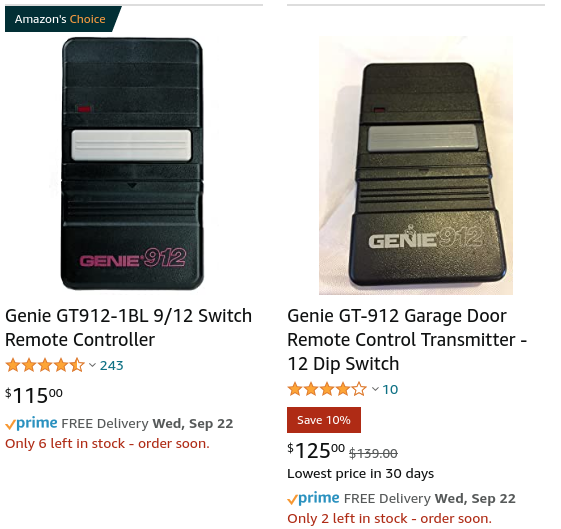
Figuring myself smarter than the average bear, I opted for a $20 “compatible” device (the HEDDOLF G220). Following the instructions, I matched the DIP switches and… nothing. Not excited to shell out $100+ for a vintage remote, I decided to root out the issue. What’s being sent by the original remote, and how is the new remote different? And, if I’m going to have to guess at settings, how can I know whether I’m getting “warmer” or “colder?”

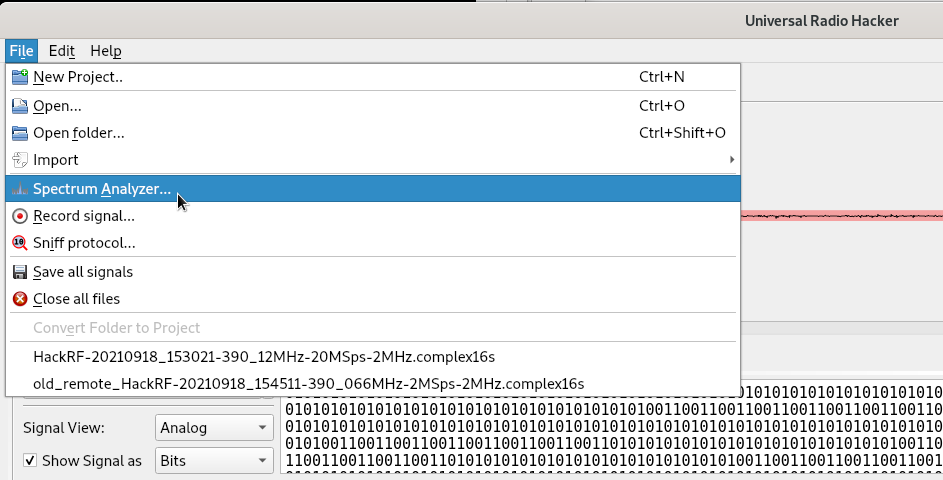
$25 will buy you a RTL-SDR dongle, allowing you to “listen in” to frequencies between 500KHz and 1GHz. We’ll use a tool called Universal Radio Hacker to both identify the frequencies of interest and analyze the waveforms.
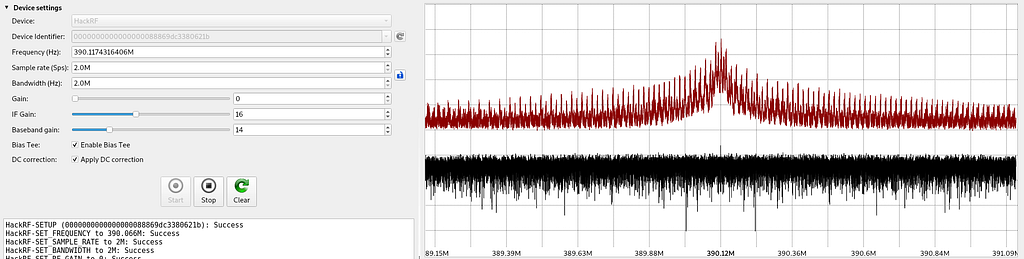
We first identify the exact broadcast frequency by centering the spectrum analyzer on 390MHz, the frequency advertised on the back of the new remote.
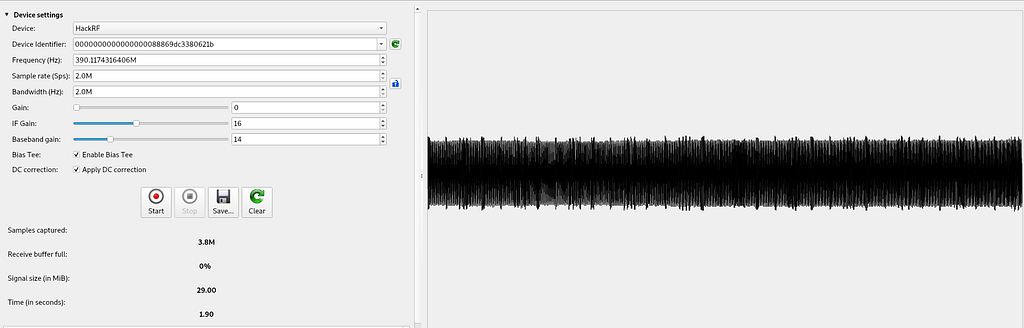
We then record a few seconds of this signal, which will allow us to identify what ones and zeroes are being sent over the air.
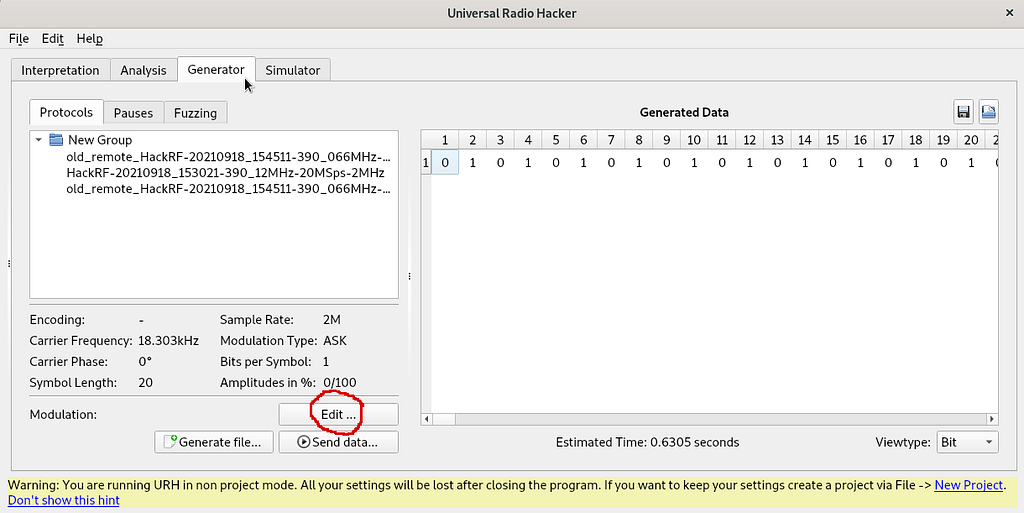
We repeat the same for the original manufacturer’s remote, and save both captures in distinct files. We now switch over to the “Generator” tab in Universal Radio Hacker and enter the Modulation dialogue, to attempt to reconstruct the original signal.
Here comes the fun part. We will attempt to generate a signal that is equivalent to the signal we recorded (for the original remote, and then the new remote). The “Modulation” interface does this by taking a Carrier Frequency and turning it on and off (i.e. sending 1s and 0s) in particular sequence. The fancy name for this is “Amplitude Shift Keying (ASK)” (remember this for future Radio enthusiast cocktail parties).
The Modulation interface allows you to preview the combination of a given carrier frequency and a sequence of 1s and 0s, and tweak these until they match the signal that you previously recorded. The process is simple, but the UI is not, so regard the following:
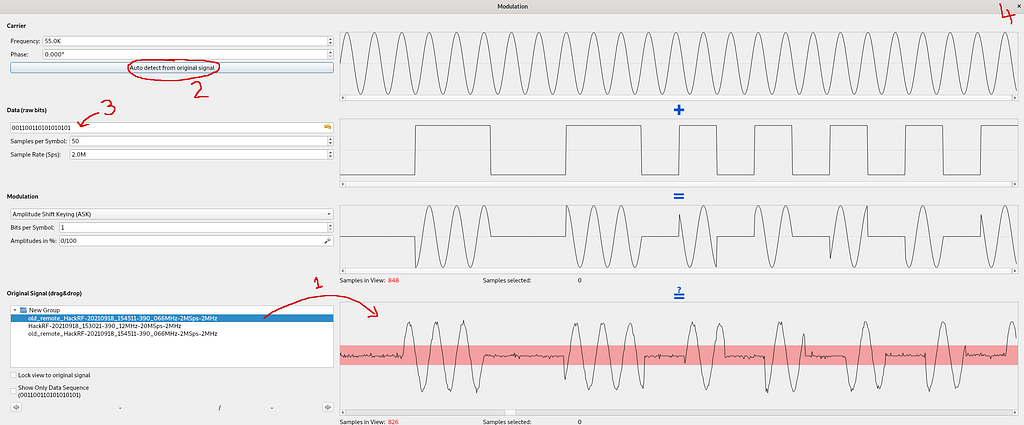
- Drag and drop the recorded waveform into the bottom-right container. If you recorded more than a few seconds of signal, prepare to wait (or re-record). Zoom out until you see one period / full cycle of the signal that’s being sent.
- The carrier frequency should be auto-detectable from the original signal. Try your luck!
- Now the fun part. Enter 0s and 1s to define the data mask, and keep an eye on the “Modulation” preview. Once it looks close (in terms of on-off segments — the phase offset does not matter), you are good.
- Write down the Carrier frequency and Data (raw bits), and exit.
You can do this with both remotes to understand how they differ, and to try to get the new remote to match the old one.
Bonus: If you have a radio that allows for transmission in addition to reception, you can click “Send Data” to broadcast the generated signal. If your garage door opens, you got it right. (Please abide by local laws and regulations regarding radio broadcasting.)
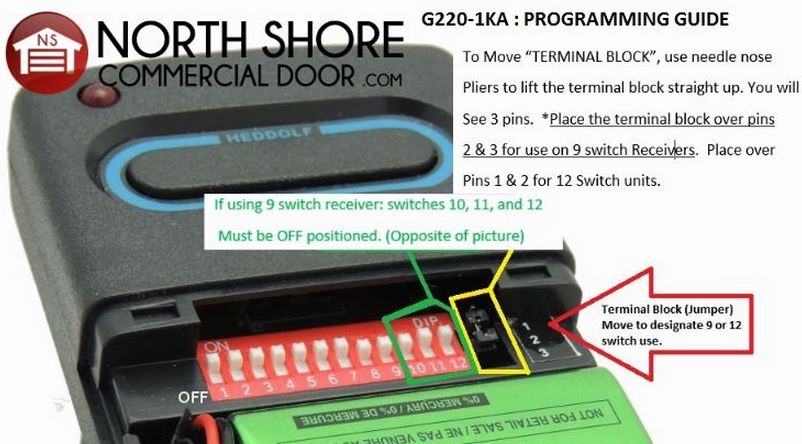
In the end, the new remote ended up working. For anyone who found this by Googling “Genie 912 remote” and “HEDDOLF G220” or similar, here’s what tripped me up: The 9/12 pin selector on the HEDDOLF remote is flipped — so if your 9/12 selector on the 912 is up, the HEDDOLF one must be down. The video and image below were most helpful:
Note from 2022: I’ve since updated the receiver and remotes to a “rolling key” scheme to protect against replay attacks, and you should too! The new scheme allows the garage to enroll new physical keys (likely by registering their public key, haven’t looked). I hope to reverse engineer this (and try to break it) in a future post.